Zendesk cancellation processing (TeenSafe)
We have an alarming number of tickets causing double work for our dedicated agents that do not follow process. I have reviewed with each of you individually on what this process follows. Since individual coaching, we found that there needed to be an update to this process as it has been broken relentlessly. Further violations will result in an action pathway, verbal or written warning.
Regarding cancellations
A) When you cannot find an account with the information provided. Send the customer “unable to find account” macro.

Ensure the Shared Q button is selected and submit as solved.
B) When you find the account. ensure you have cancelled the account in admin.
DO NOT MOVE ON UNTIL THIS HAPPENS.
-Only if braintree is retuning an error, escalate to “Jim” and continue to follow these instructions (you will be assigning to JIM, and instead of “submit as solved” instruction you will be “submit as open”)
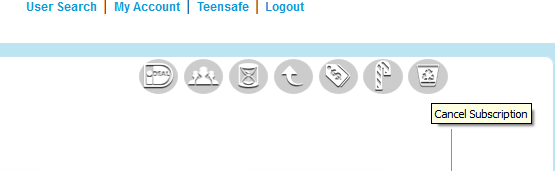
Now that you have done so, go back to zendesk, fill out the applicable fields. Remember to select the Shared Q check box on the bottom right hand corner. after you ensure that the left hand side is filled accurately, INFORM THE CUSTOMER YOU HAVE CANCELLED THE ACCOUNT!
you can do so by simply selecting the macro button and typing “cancel service”

Once you have this checklist marked off
-Account cancelled in admin
-All applicable Drop downs and sections filled in zendesk
-Shared Q checkbox selected
-Verify the trigger word “refund” is/not mentioned.
A) if not you are now ready to submit as solved and move on.
B) If the email send from the customer mentioned the word “refund”, You are to submit the ticket as PENDING and move on.

We submit the ticket as pending to track the time between refunds, if we find they will get one. Otherwise the shared queue agents has the ability to find that out in the admin account.
There are no tickets to be submit as open from any shared queue agents, you do not open a ticket to leave it open, you open a ticket to solve the ticket. when the customer replies the ticket will be marked as open. all open tickets should be escalations or responses from customers.
listed here in this post is 1 reason for escalation, when admin doesn’t allow you to close an account.
Process not being followed has caused hours of double work for our dedicated agents as well as a waste of time for our shared queue agents. Agents have been found to not be selecting the shared queue box, this is how we bill TeenSafe and track shared queue activity.